
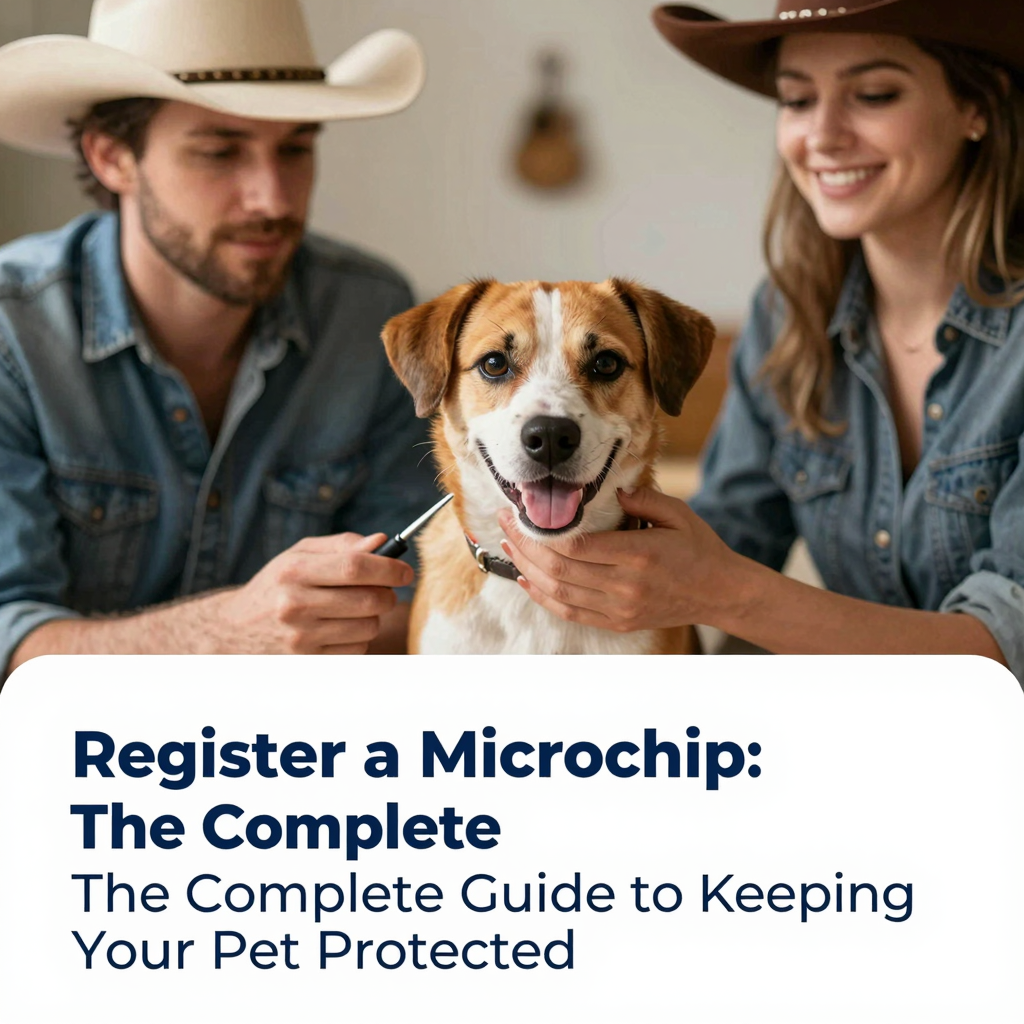
Having your pet microchipped is one of the most responsible decisions you can make as a pet owner. The tiny device, about the size of a grain of rice, can mean the difference between a lost pet returning home safely or spending weeks in a shelter. However, the microchip itself does not store your name, address, or phone number. It only contains a unique identification number. For that number to work, you must register a microchip with a reputable pet recovery database. This step is often missed after adoption, after moving, or after purchasing a pet from a breeder, leaving countless pets unprotected despite having the hardware in place.
In this guide, we will walk through everything you need to know about microchip registration, from understanding how the technology works to choosing the right database and keeping your information current. Whether you just brought home a new puppy or kitten, adopted a senior dog, or are researching before your pet’s appointment, these steps will help ensure that a microchip truly serves its purpose: reuniting you with your beloved companion.
What Does It Mean to Register a Microchip?
To register a microchip means linking the unique identification number stored inside your pet’s microchip to your personal contact information in a database. When a lost pet is found and scanned by a shelter, veterinary clinic, or animal control officer, the scanner displays the microchip number. The person scanning then contacts the registry associated with that number to obtain the owner’s contact details. If the microchip was never registered, the number leads nowhere. If the registration information is outdated, the reunion process can be delayed or prevented entirely.
Registration is not the same as implantation. A veterinarian or shelter staff member can implant the microchip under your pet’s skin in seconds, but that procedure does not automatically enter your details into a national database. Some implanting facilities submit basic owner information at the time of implantation, but many do not. Even when initial information is submitted, you may need to complete the process yourself, verify the data, and create an account with the registry. Taking ownership of this step is one of the most important things you can do for your pet’s safety.
How a Pet Microchip Works
A pet microchip is a passive radio-frequency identification device, also known as an RFID. It does not have a battery and does not emit a signal on its own. When a compatible scanner is passed over the area between your pet’s shoulder blades, the scanner sends out a low-frequency radio wave that activates the chip. The chip then transmits its unique identification number back to the scanner. This number can then be used to search a registry database.
Most modern pet microchips operate on a frequency of 134.2 kHz, which is the ISO standard for companion animal identification. This standardization is important because it allows scanners used in most shelters and veterinary clinics to read chips from different manufacturers. In the past, some chips operated on 125 kHz or 128 kHz, which created compatibility problems. Today, universal scanners can typically read all common chip frequencies, but it is still helpful to know the brand and manufacturer of your pet’s chip when you register a microchip.
The Difference Between a Microchip and a GPS Tracker
A common misconception is that a microchip works like a GPS device and can show your pet’s location in real time. This is not true. A microchip does not track movement, store location history, or require a cellular plan. It only provides identification once the pet is found and scanned. If you want live location tracking, you would need a separate GPS collar or tracking device. However, those devices can fall off, run out of battery, or become damaged. A microchip is permanent and provides a reliable backup that cannot be lost or removed.
Step-by-Step Guide to Register a Microchip
Registering your pet’s microchip may take only a few minutes, but following the correct steps will save you from confusion later. Below is a detailed walkthrough of the process.
1. Locate Your Pet’s Microchip Number
Your pet’s microchip number is the most important piece of information you need. It is usually 9, 10, or 15 digits long, depending on the manufacturer. You can find this number in several places:
- Adoption paperwork from a shelter or rescue group
- Breeder or seller documentation
- Veterinary medical records
- A certificate of implantation provided at the time of chipping
- A microchip registration tag or sticker given with the chip
If you cannot find the number, call your veterinarian or local shelter to schedule a scan. Scanning is quick, painless, and usually free or low cost. The staff member can tell you the number and often identify the manufacturer based on the chip’s code format. Keep a written and digital copy of this number in a safe place.
2. Identify the Manufacturer or Use a Universal Lookup
Once you have the number, you can identify the chip manufacturer by using a universal pet microchip lookup tool. The American Animal Hospital Association, or AAHA, maintains a free online tool that searches multiple registries and points you toward the manufacturer. This is especially useful if you do not know the brand of chip. Simply enter the microchip number, and the tool will show you which databases may have information about that chip.
Knowing the manufacturer helps because many manufacturers maintain their own registry. You can register directly with them, often at no charge. Even if you plan to use a different registry, starting with the manufacturer can prevent future conflicts or confusion when someone scans your pet and calls the manufacturer’s database first.
3. Select a Registration Database
There are many reputable pet microchip registries, and you generally have the freedom to register with more than one. Some registries are manufacturer-specific, while others are universal and accept any brand of chip. Common registries include:
- 24PetWatch
- PetLink
- HomeAgain
- AKC Reunite
- Found Animals Registry
- Free Pet Chip Registry
When you register a microchip, choose a registry that is well-established, responsive, and accessible 24 hours a day. Some registries charge a one-time fee, while others offer free basic registration with optional paid upgrades such as lost pet alerts, travel assistance, or additional contact storage. A free registry can be perfectly effective, but a paid registry may offer extra services that give you peace of mind.
4. Create an Account and Enter Your Information
After selecting a registry, create an account on the registry’s website and enter the microchip number exactly as it appears on the paperwork. Double-check every digit before submitting. You will then be asked to provide your personal information, which typically includes:
- Your full name
- Primary phone number
- Secondary phone number
- Email address
- Home address
- City, state, and postal code
- Emergency contact or alternate contact
- Veterinarian contact information
Some registries allow you to upload a photo of your pet, list medical conditions, or add behavioral notes. These details can be helpful for the person who finds your pet. For example, noting that your dog is afraid of men or that your cat requires daily medication can make the reunion process safer and less stressful.
5. Pay Any Applicable Fees
Many registries allow you to register for free, but some charge a one-time enrollment fee or an annual membership. Before paying, read the terms carefully. You should understand whether the fee is mandatory for registration or simply for premium services. Basic identification should not be hidden behind a costly paywall. If a registry insists on a high fee just to store your contact information, consider using another reputable service. You can often register the same microchip with multiple databases, so you are not locked into a single provider.
6. Verify and Test the Registration
After submitting your information, log back into your account and confirm that the microchip number appears correctly and that your contact details are accurate. Some registries send a confirmation email or letter. If you do not receive confirmation within a few days, contact the registry to make sure the registration was completed.
It is also wise to have your veterinarian or a shelter scan your pet during your next visit. Ask them to verify that the chip is still readable and that the number matches the one on your registration record. This simple check can catch migration issues, chip failure, or data errors before an emergency occurs.
Why You Should Register with More Than One Database
You are not limited to registering your pet’s microchip with only one database. In fact, registering with a universal database in addition to the manufacturer’s registry can increase the chances of a successful reunion. The person who finds your pet may call the manufacturer’s registry based on the chip number, but they may also search a universal database. If your information is present in both, there are more pathways for them to reach you.
Do not assume that one registry will automatically share your data with all others. Some registries cooperate with one another, but many do not. Taking a few extra minutes to register with a second or even third database is a low-cost way to improve your pet’s safety net. Keep a list of all the registries you use, along with your login credentials, so you can update them all at once if your contact information changes.
How Much Does It Cost to Register a Microchip?
The cost to register a microchip varies depending on the registry you choose. Many organizations offer free basic registration, while others charge anywhere from $10 to $75 for lifetime registration or premium membership. Some premium services include benefits such as 24/7 lost pet specialists, custom lost pet alerts, travel assistance for pets found far from home, and access to a network of veterinarians.
Before paying, consider what you actually need. At minimum, your registry should store your current contact information and be available around the clock. If a free service provides that, it may be sufficient. If you travel frequently with your pet or want extra support during a lost pet emergency, a paid membership may be worthwhile. Avoid any service that pressures you into unnecessary fees or implies that your pet will not be protected without an expensive plan.
What to Do If Your Pet’s Microchip Isn’t Registered
If you scan your pet and discover that the microchip is not registered, do not panic. You can register it at any time. Gather the microchip number, choose a reputable registry, and follow the steps outlined above. There is no deadline for registration, and the chip does not expire. Even if your pet has been microchipped for years without registration, you can still link the number to your contact information today.
If a shelter or rescue group implanted the chip, they may have already submitted initial paperwork to the manufacturer. In that case, the chip may already be in a database, but the information may be incomplete or tied to the shelter rather than to you. Call the manufacturer or use the AAHA lookup tool to find out where the chip is registered, then contact that registry to update the ownership information.
Updating Your Microchip Registration
Registering a microchip is not a one-time task. Your registration is only useful if the information is current. Any time you move, change your phone number, or update your email address, you must update every registry where your pet’s chip is listed. A microchip with outdated information can be worse than no microchip at all, because it gives a false sense of security.
How to Update Your Contact Information
Most registries allow you to update your information online through your account. Log in, navigate to the pet profile, and edit the relevant fields. Some registries charge a small fee for ownership transfers or changes, while others allow unlimited updates for free. If you cannot remember which registry has your information, use the AAHA lookup tool to identify the manufacturer, then contact the manufacturer or search the major universal databases.
Transferring Ownership After Rehoming a Pet
If you rehome a pet, make sure the microchip registration is transferred to the new owner. Do not simply hand over the chip number and assume the new owner will complete the process. Whether you are the original owner or the new owner, contact the registry and ask about their ownership transfer procedure. This usually involves filling out a transfer form, providing proof of ownership, and paying a small fee if applicable. A properly transferred registration ensures that if the pet becomes lost from the new home, the right person is contacted.
Common Mistakes to Avoid When You Register a Microchip
Even well-meaning pet owners make errors that can reduce the effectiveness of a microchip. Avoid these common mistakes:
- Assuming the vet registered the chip for you: Some veterinary clinics submit paperwork, but many do not. Always verify registration yourself.
- Entering the microchip number incorrectly: A single mistyped digit can send a finder to the wrong record or no record at all.
- Forgetting to add an alternate contact: If your phone is disconnected or out of service, an alternate contact can still be reached.
- Not updating after a move or phone change: Outdated contact details are one of the top reasons reunions fail.
- Registering with only an obscure database: A major universal registry is more likely to be checked by shelters and veterinarians.
- Losing the registry login information: Keep a secure record of the registry name, website, username, and password.
- Failing to test the chip periodically: Have your vet scan the chip at annual checkups to ensure it is still functioning.
Frequently Asked Questions About Registering a Microchip
Does my veterinarian register the microchip for me?
Sometimes, but not always. Some veterinary offices send the implantation paperwork to the manufacturer or an associated registry as a courtesy. However, this initial submission may only include basic information, and you may still need to create an account and verify your details. Never assume that the job is done. Always confirm the registration yourself.
Is there a yearly fee to keep my pet’s microchip registered?
Many registries offer free lifetime registration with no annual fee. Others charge an optional annual membership for premium services such as lost pet alerts or travel assistance. Basic identification and contact storage should not require an ongoing fee. If a registry asks for a yearly payment just to keep your information active, consider switching to or registering with a free universal database as well.
Can a microchip be registered to multiple people?
Most registries allow you to list a primary owner and one or more alternate contacts. These alternate contacts are additional people who can be called if your pet is found. This is especially helpful for families, roommates, or pet sitters. Make sure the people you list are willing to be contacted and know that they are on your pet’s microchip record.
What if my pet has an international microchip?
If you adopted a pet from another country or moved internationally, your pet may have an ISO-standard 134.2 kHz microchip, which is widely readable in the United States and many other countries. You can register an international microchip with most major U.S.-based registries as long as you have the chip number. If you are moving abroad, verify that your chosen registry is accessible internationally or register with a database used in your destination country.
Can I register a microchip without the original paperwork?
Yes. If you do not have the original paperwork, ask a veterinarian or shelter to scan the chip and provide the number. With that number, you can use the AAHA lookup tool to identify the manufacturer and then register with a universal database. The lack of paperwork does not prevent registration.
Is microchip registration the same as licensing?
No. Pet licensing is a separate requirement in many cities and counties. A license typically involves paying a fee to your local government and proving that your pet is vaccinated against rabies. A microchip registration stores your contact information in a database for identification and recovery. Both are important, but they serve different purposes.
What happens if my pet is found and the registry is closed?
Reputable registries offer 24-hour phone or online access for precisely this reason. Before choosing a registry, check that someone can retrieve owner information at any time. If you choose a smaller or less accessible database, also register with a major 24/7 universal registry to ensure that a finder can reach you outside business hours.
The Role of Shelters and Veterinarians in Microchip Registration
Animal shelters and veterinary clinics are essential partners in the microchip system, but their role is limited. A shelter or clinic can implant the microchip, scan lost pets, and often provide guidance on how to register. However, the legal and practical responsibility for keeping registration current rests with the pet owner. If you adopt a pet that is already microchipped, ask the shelter for the chip number and any known registry information before you leave. Then complete the ownership transfer as soon as possible.
Veterinarians can also scan your pet during annual exams and record the chip number in the medical file. This documentation is valuable if you ever lose your registration paperwork. Some clinics will even submit registration on your behalf, but you should still verify the information and retain your own login credentials. Remember that the goal is to create multiple reliable ways for a finder to contact you.
How to Keep Your Pet’s Microchip Registration Secure
Your microchip registration contains personal information, so treat it with the same care as any other online account. Use a strong, unique password for each registry, and be cautious about sharing your login details. If a registry offers two-factor authentication, enable it. Be wary of unsolicited emails or phone calls claiming that your pet’s microchip registration has expired and demanding immediate payment. Scammers sometimes target pet owners by posing as registry representatives. Always log in directly through the official registry website rather than clicking links in unexpected messages.
Keep a digital and physical file with your pet’s microchip number, the manufacturer, the registries used, and the date of last update. Store this file with your other important pet documents, such as vaccination records and adoption papers. If your wallet or phone is lost, you will still be able to access the information needed to update or verify your pet’s chip.
Conclusion
The decision to register a microchip is one of the simplest yet most powerful ways to protect your pet. A microchip can only fulfill its promise if the unique number is connected to accurate, current contact information. Whether you are registering for the first time, updating an old record, or transferring ownership to a new family, taking a few minutes now can prevent heartbreak later. Keep your information current, register with a reputable 24/7 database, and ask your veterinarian to scan the chip during routine visits. These small habits turn a tiny electronic device into a lifelong safety net for the pet you love.
